
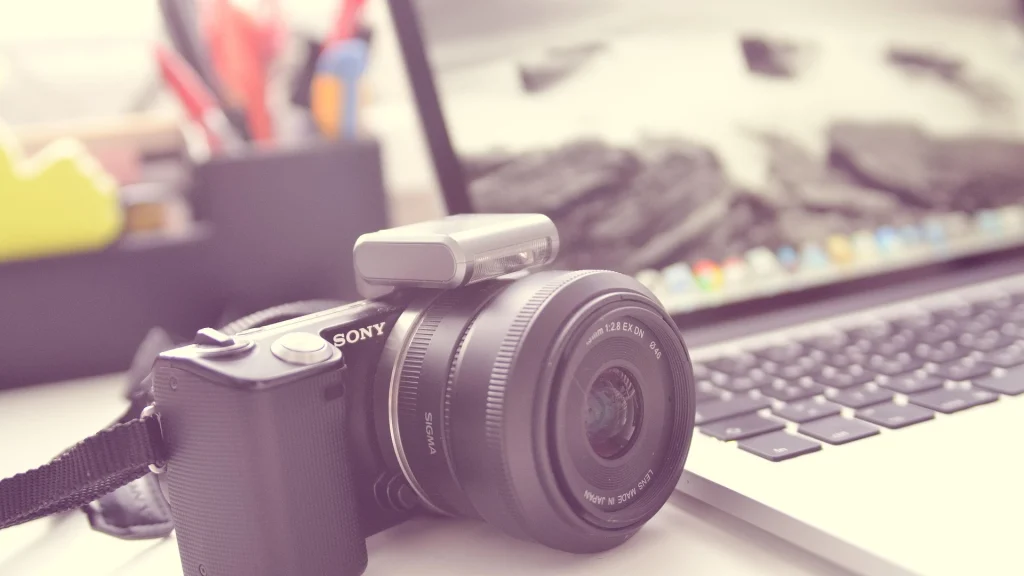
Your CV photo is the key element in showcasing yourself during a job search. It’s the first impression and it immediately influences recruiters’ perceptions. If you have a digital camera, it’s possible to take a very clean, almost professional-looking photo.
1. The ideal device and accessories
Ideally, you should use a DSLR or mirrorless camera (APS-C or Full Frame). If you have a bridge or compact camera, make sure it has an Aperture Priority (A or Av) mode so you can adjust the aperture (F-number). Without this mode, achieving the background blur effect will be more difficult, but you can compensate by removing the background in post-processing.
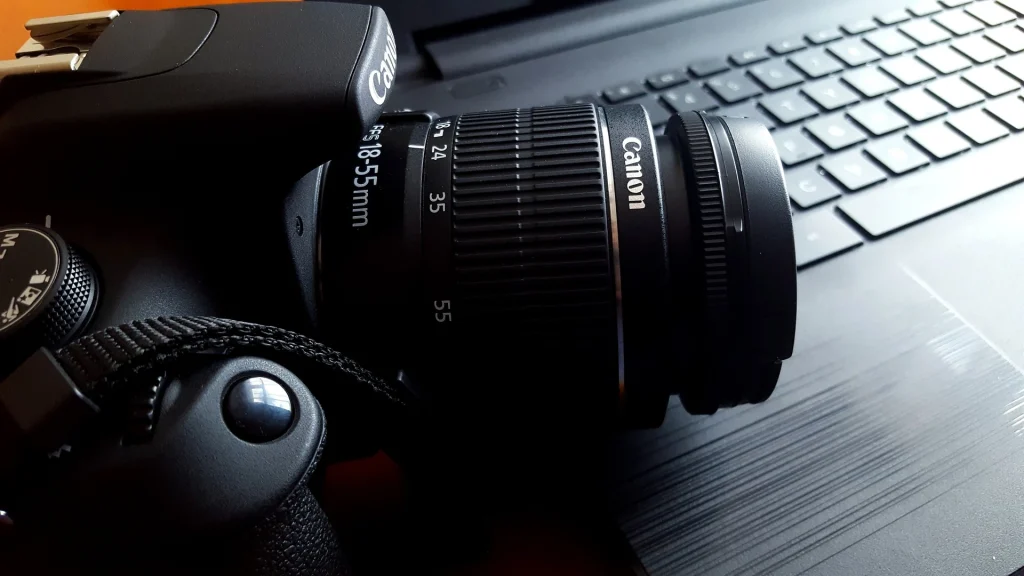
A tripod is highly recommended: position it at face level.
Quick tip: have some tape, a tape measure, and a marker handy to ensure you’re properly positioned.
📍 Where to draw which reference point?
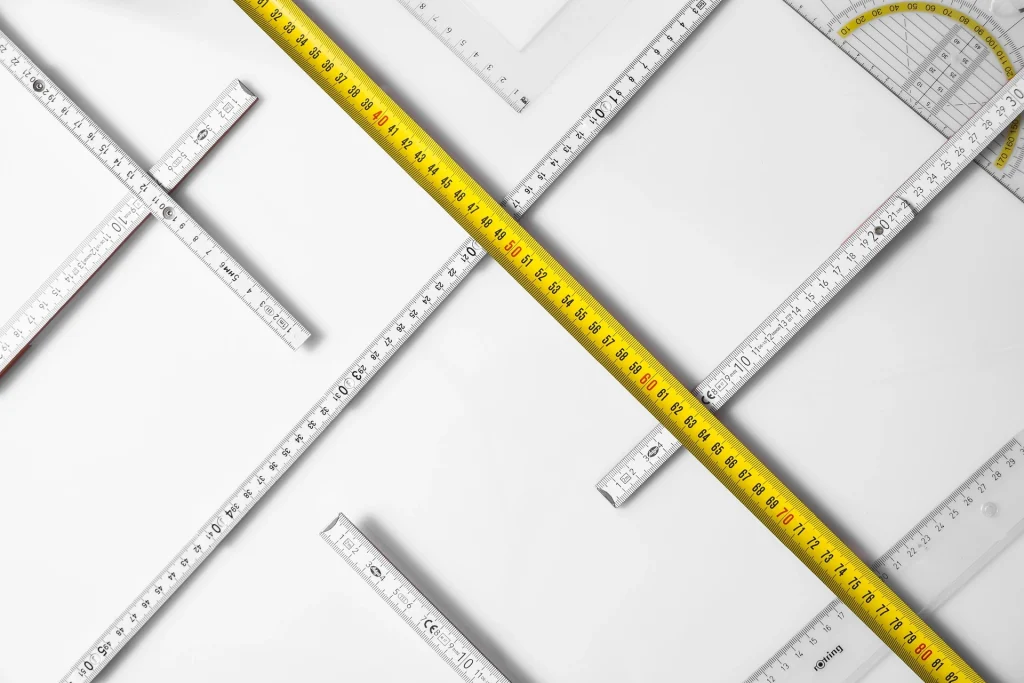
It’s time to measure:
- Place the tape measure on the floor, starting from the wall that will serve as your backdrop, and measure 2.5 to 3 meters. At this point, stick a piece of tape to the floor and draw a mark with a marker. This will be your reference point for positioning.
- From this mark, continue measuring another 2.5 to 3 meters. At this point, place a second piece of tape: this is where you will position the tripod and camera.
2. Prepare your environment
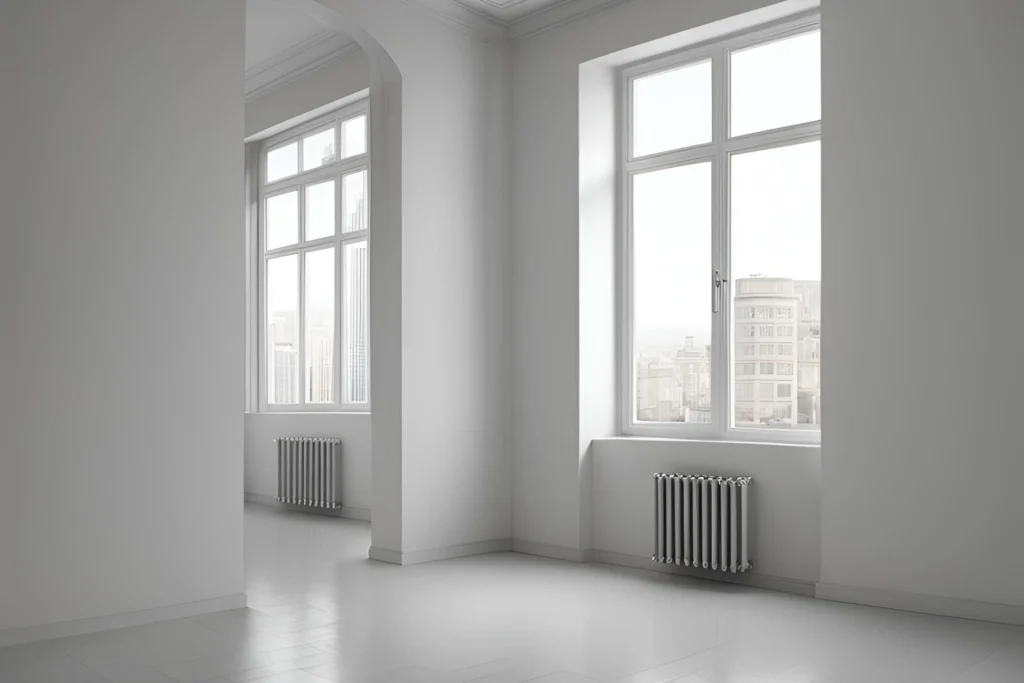
Ideally, you’ll need a fairly deep room (5 to 6 meters deep). The back wall should be a solid color: white, light gray, or black. Avoid bright colors that might draw attention: you are the subject.
If possible, position yourself near a window, either directly in front of it or slightly to the side to benefit from natural light.
⏱️ Activate the timer
Ten seconds is perfect for giving yourself time to position yourself. If you have a remote control, it can be handy, but make sure it’s not visible in the photo.
Stunivers
A flash can be useful, even during the day, to eliminate shadows on the face. If it’s too powerful, it can be counterproductive. Remember to test the results.
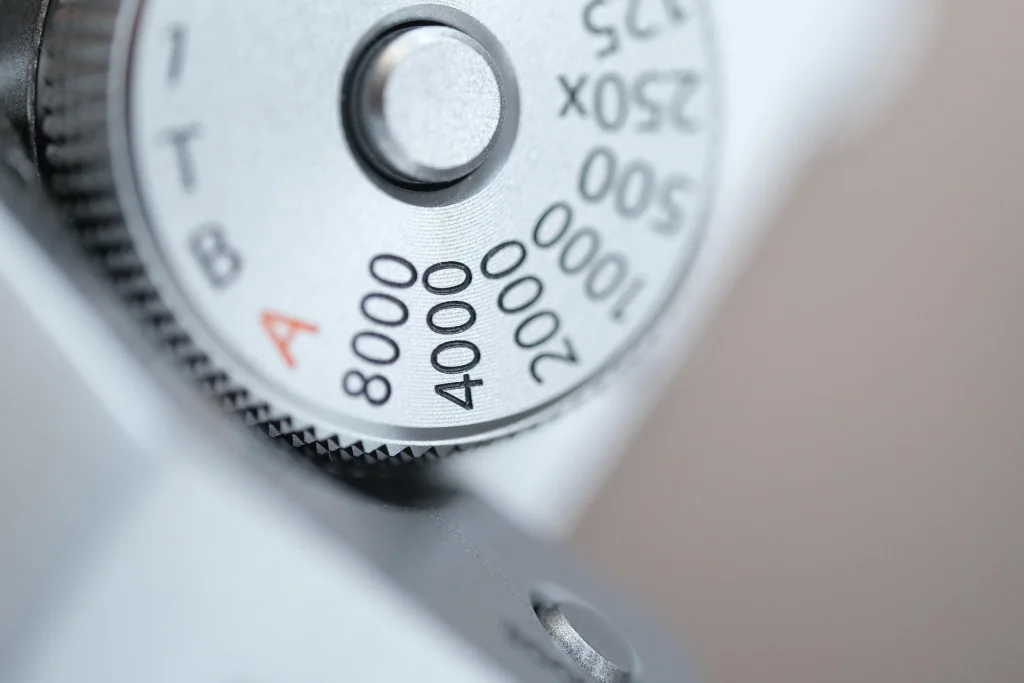
The settings
Stunivers
- Camera positioned about 6 meters from the wall, with you standing 3 meters away, or at least between 2.5 and 3 meters.
- Recommended focal length:
- APS-C sensor: 50 mm (or zoom lens set between 40 and 60 mm).
- Full Frame sensor: 80 mm (or zoom lens within this range).
⚙️ Technical settings
- Aperture: Set to the widest aperture (e.g., f/1.8, f/2.8) for a nice background blur effect.
- Orientation: Portrait mode (vertical).
- ISO: Take several test shots to avoid photos that are too dark or too bright.
- Focus: Single-point autofocus, with the focus on you, to clearly separate your face from the background.
4. Clothing and accessories

✅ Opt for simple, professional clothing (the kind you would wear to an interview).
✅ Favor solid colors: navy blue, gray, black.
✅ Avoid bold patterns or flashy accessories.
✅ Be mindful of white backgrounds: a white shirt on a white background can be problematic (you risk blending into the background).
5. Pay attention to your posture and expression

A natural posture and expression are essential for inspiring confidence and dynamism in your CV photo.
🧘♂️ The Right Posture
✅ Stand up straight, but not rigidly: too stiff, you’ll appear tense; too relaxed, it can give an impression of nonchalance.
✅ Shoulders slightly back and spine straight. Straighten up slightly more than usual to project an impression of openness and confidence.
✅ Avoid crossed arms, which can give an impression of closed-offness. Leave them relaxed at your sides or rest one hand on top of the other naturally.
✅ Tilt your head very slightly (a few degrees) for a more engaging effect.
🎭 Working on Your Expression
✅ Look directly at the camera, as if you were talking to someone, to make your gaze feel more engaging.
✅ Smile gently, without forcing it: a smile that’s too broad can look artificial.
✅ Think of a pleasant or funny moment to trigger a natural smile.
📌 Personal tip: I tested it on a textured wall, and the background blur completely smoothed it out, making me stand out perfectly from the background.
6. Retouching and cropping
✅ Crop if necessary to center your face with a little space above your head.
✅ Light retouching only: adjusting the lighting or removing imperfections is acceptable, but the photo must remain true to life.
7. Miscellaneous advice
Here are some tips for practicing this exercise:
✅ Take several photos to have options.
✅ Try different poses to see which one best showcases you.
✅ Check the final image: make sure it reflects the message you want to convey to recruiters.
8. Format and dimensions
✅ High resolution: for a clean and sharp image.
✅ Recommended format: square or slightly elongated portrait.