
The CV photo is the central element to put you forward in the context of a job search. It's the first impression, the one that immediately influences recruiters' perception. If you have a digital camera, it is possible to take a very clean photo, close to a professional rendering.
1. The Ideal Camera and Accessories
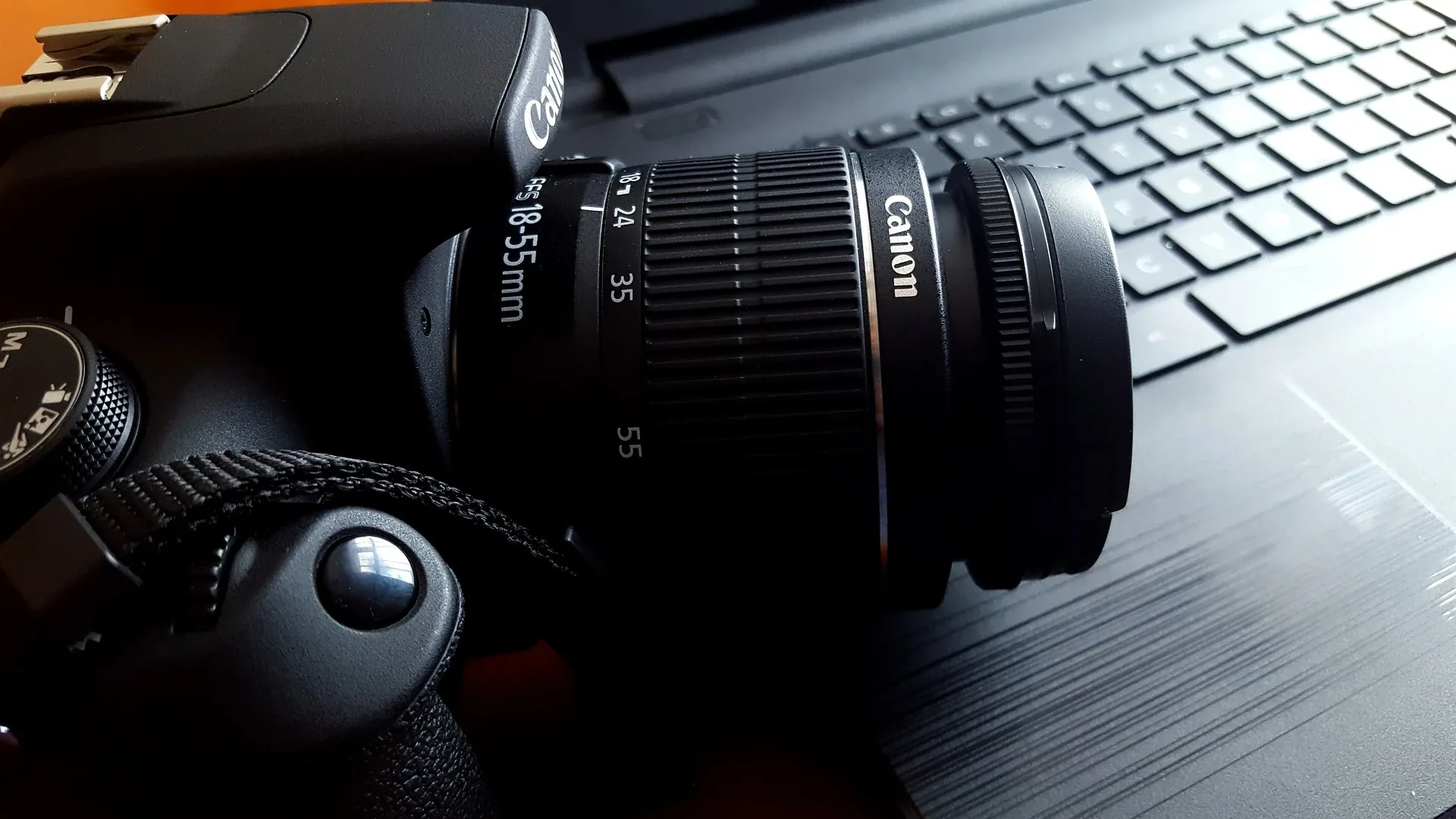
The ideal is to use a DSLR or mirrorless (APS-C or full-frame) camera. If you have a bridge or compact camera, make sure it has an AV (Aperture Value) or AP (Aperture Priority) mode so that you can adjust the aperture (F value). Without this mode, achieving the background blur effect will be more difficult, but you can compensate by removing the background in post-processing. Reflex
A tripod is highly recommended: place it at face height.
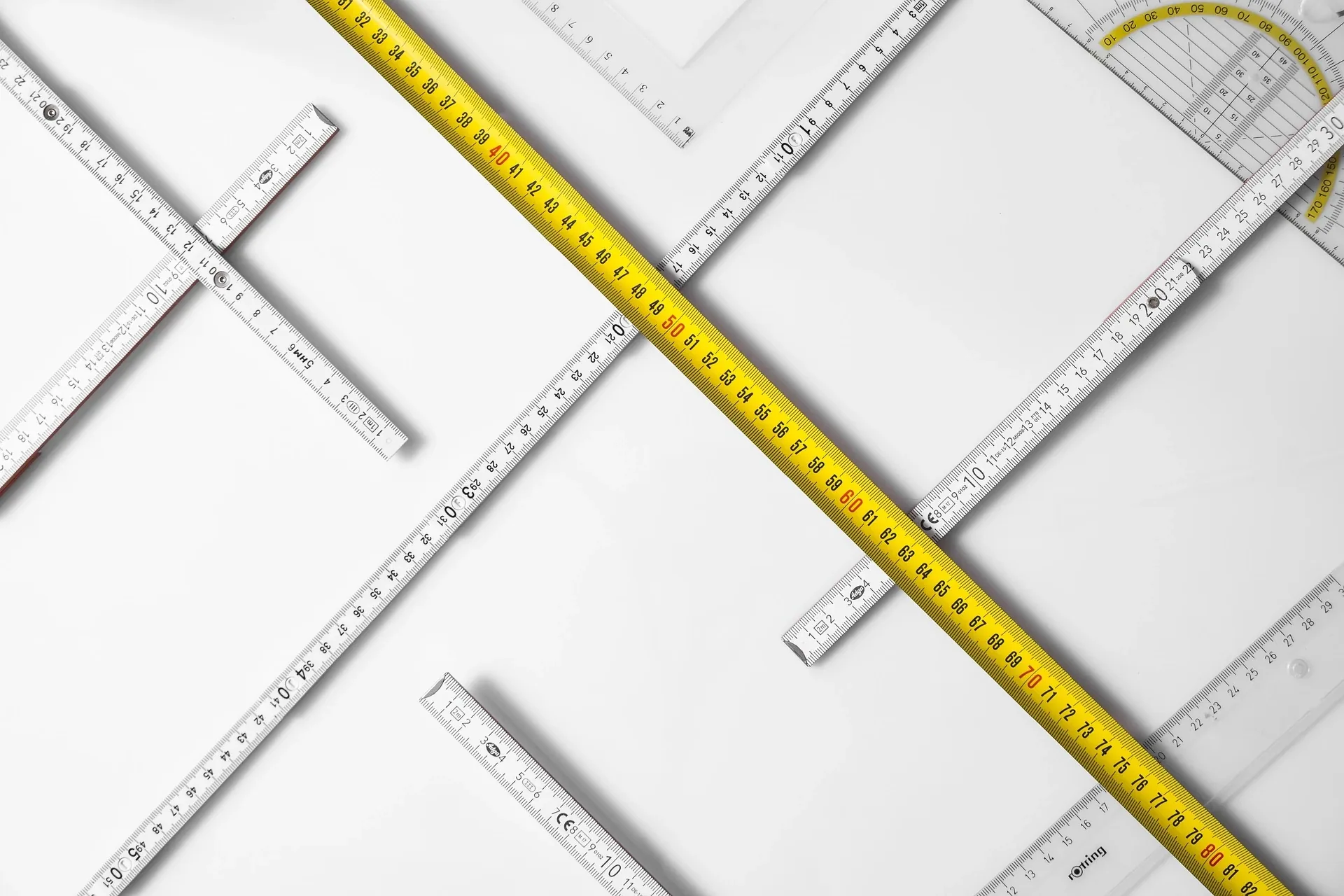
Tip: Bring some tape, a measuring tape, and a marker to properly position yourself.
1.1. Where to mark which reference 📍 ?
It’s time to measure:
Place the measuring tape on the floor, starting from the wall that will serve as the background, and measure 2.5 to 3 meters away. At this point, stick a piece of tape to the floor and mark it with a marker. This will be your reference for positioning.
From this mark, continue to measure another 2.5 to 3 meters. At this point, place a second piece of tape: this is where you will position the tripod and camera.
2. Prepare your environment
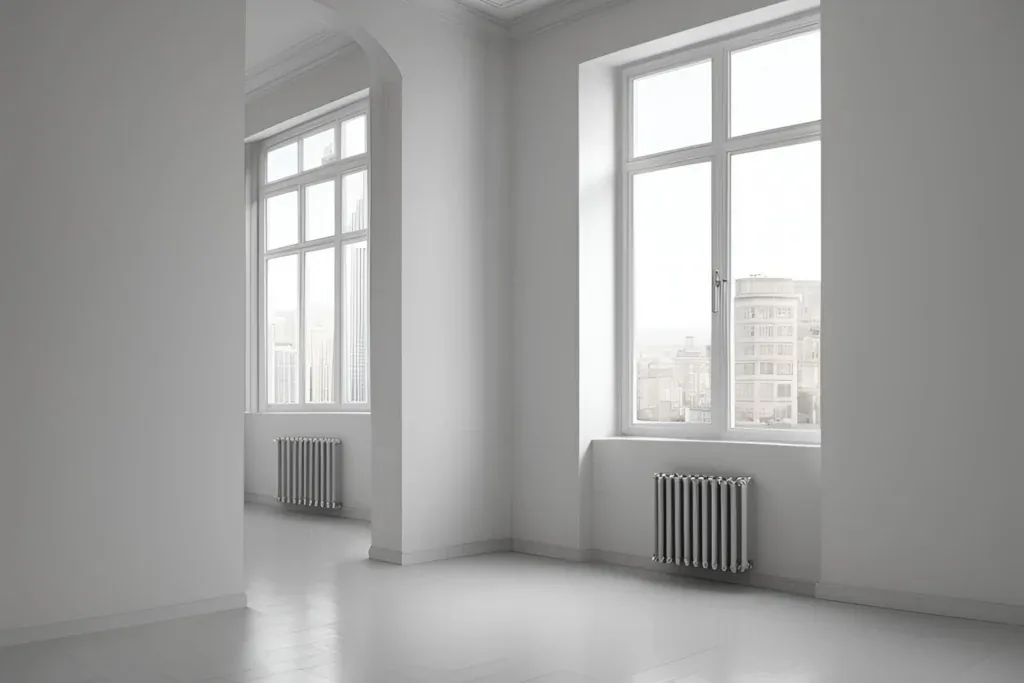
Ideally, you need a fairly deep room (5 to 6 meters in depth). The back wall should be smooth: white, light gray, or black. Avoid bright colors that could draw attention: you are the subject.
If possible, position yourself near a window, either facing it or slightly off to the side to benefit from natural lighting. ⏱️ Enable the timer
10 seconds is perfect for giving you time to get into place. If you have a remote control, it can be handy, but make sure it doesn't appear in the photo. 💡 Manage the light
A flash can be useful, even during the day, to eliminate shadows on your face. If it's too powerful, it could be counterproductive. Consider testing the effect.
3. Settings
3.1. 📷 Distance and focal length
Camera 6 metres from the wall; stand 3 metres from the wall (worst case 2.5 m and 5 m).
Recommended focal length:
- APS-C sensor: 50 mm (or zoom set between 40 and 60 mm).
- Full Frame sensor: 80 mm (or zoom within this range).
3.2. ⚙️ Technical settings
- Aperture: Use a wide aperture (low f-number, e.g. f/1.8–f/2.8) for a soft background blur.
- Orientation: Portrait mode (vertical).
- ISO: Make several tests to avoid overly dark or bright photos.
- Focus: Single AF point, focus on yourself to clearly separate your face from the background.
4. Clothing and accessories
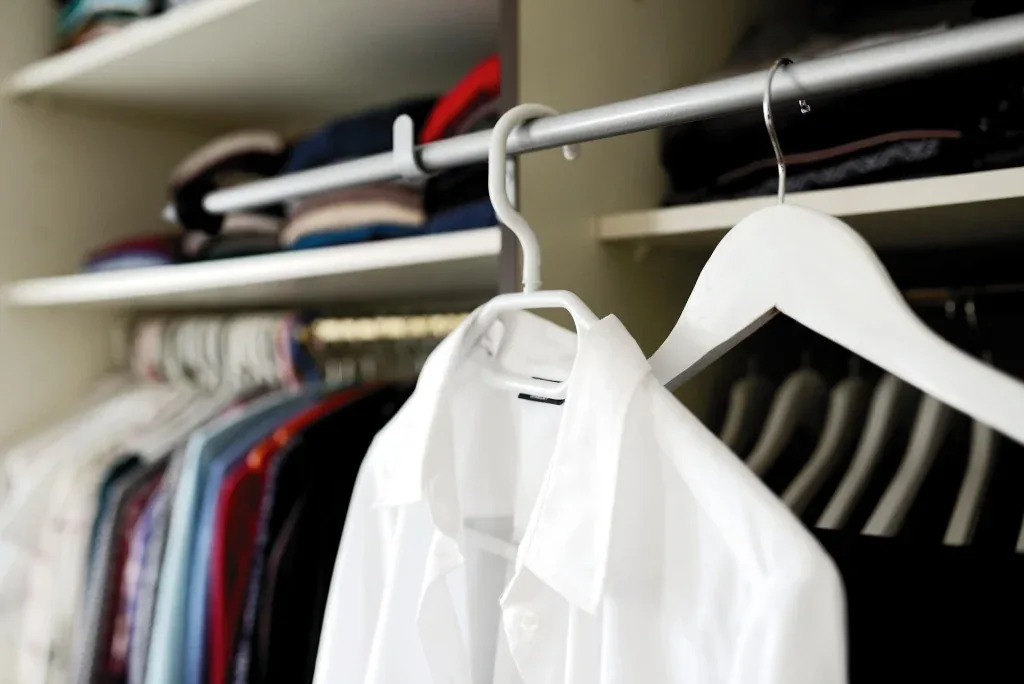
✅ Choose simple and professional clothes (what you would wear for an interview).
✅ Prefer solid colors: navy blue, gray, black.
✅ Avoid overly patterned designs or flashy accessories.
✅ Watch out for the white background: a white shirt against a white background can be problematic (you might blend in).
5. Pay Attention to Your Posture and Expression
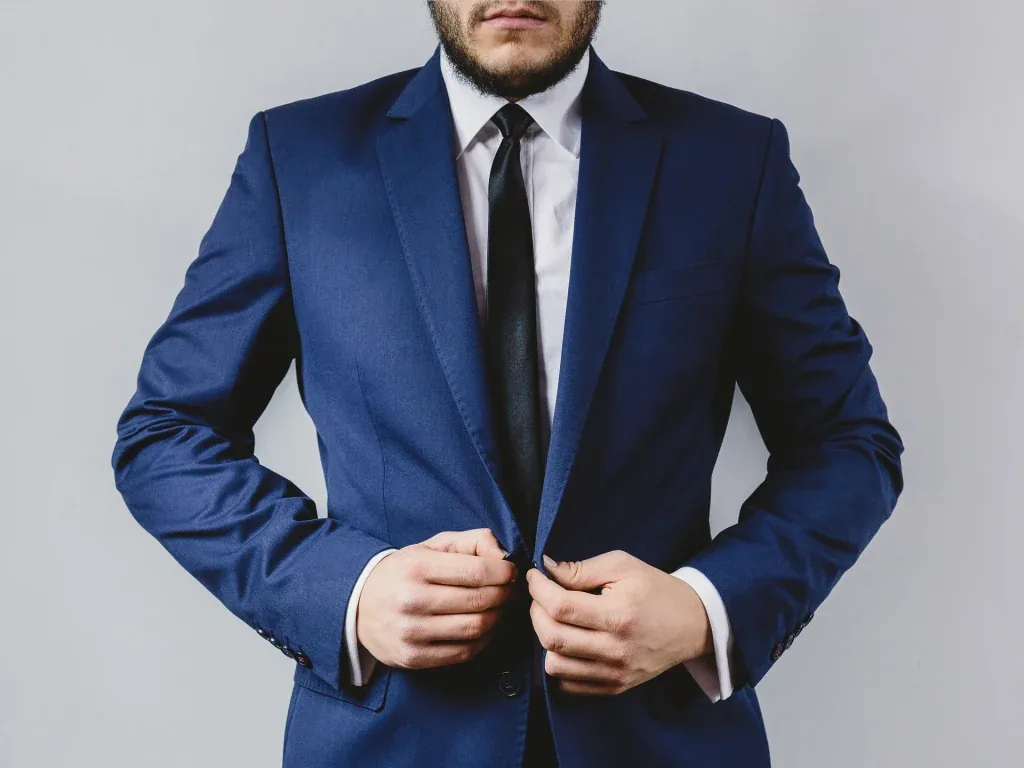
A natural posture and expression are essential to inspire confidence and dynamism in your CV photo. 🧘♂️ The Right Posture
✅ Stand up straight, but not rigid: too stiff can make you look tense; too relaxed can give an impression of laziness.
✅ Shoulders slightly back and spine well aligned. Slightly straighten more than usual to convey openness and assurance.
✅ Avoid crossed arms, which can give the impression of being closed off. Keep your arms relaxed at your sides or place one hand on top of the other in a natural way.
✅ Tilt your head slightly (a few degrees) for a more engaging effect.
5.1 🎭 Work on Your Expression
✅ Look directly into the camera, as if you were speaking to someone, to bring life to your eyes.
✅ Smile gently, without forcing: an overly pronounced smile can seem artificial.
✅ Think of a pleasant or funny moment to trigger a natural smile.
📌 Personal Tip: I tested it on a textured wall, and the background blur completely smoothed it out, perfectly detaching me from the background.
6. Retouching and Cropping
✅ Recrop if necessary to center your face with a bit of space above the head.
✅ Light retouches only: adjusting the lighting or removing minor imperfections is acceptable, but the photo should remain true to reality.
7. Various Tips
Here are some tips for practicing the exercise:
✅ Take multiple photos to have a variety of options.
✅ Try different poses to see which one flatters you the most.
✅ Check the final image: make sure it conveys what you want to communicate to recruiters.
8. Format and dimensions
✅ High resolution: for a clean and sharp image.
✅ Recommended format: square or slightly elongated portrait.


Comments
No approved comments yet.
Sign in with a commenter account to post a comment. Sign in.